nano
nano is the simple terminal editor that’s on almost every Linux
system. The config is installed to ~/.nanorc.
| Default nano | With this config |
|---|---|
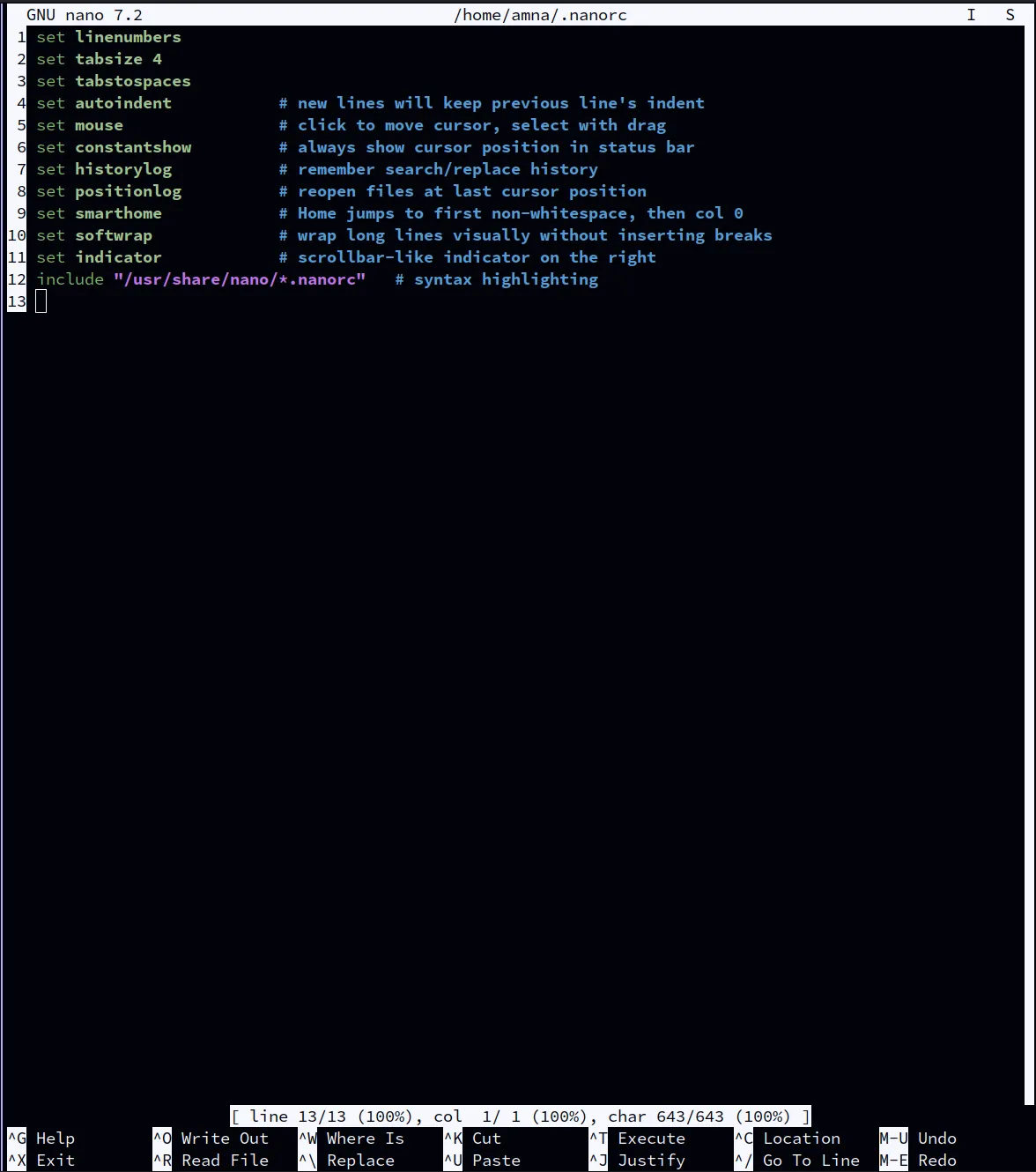 |
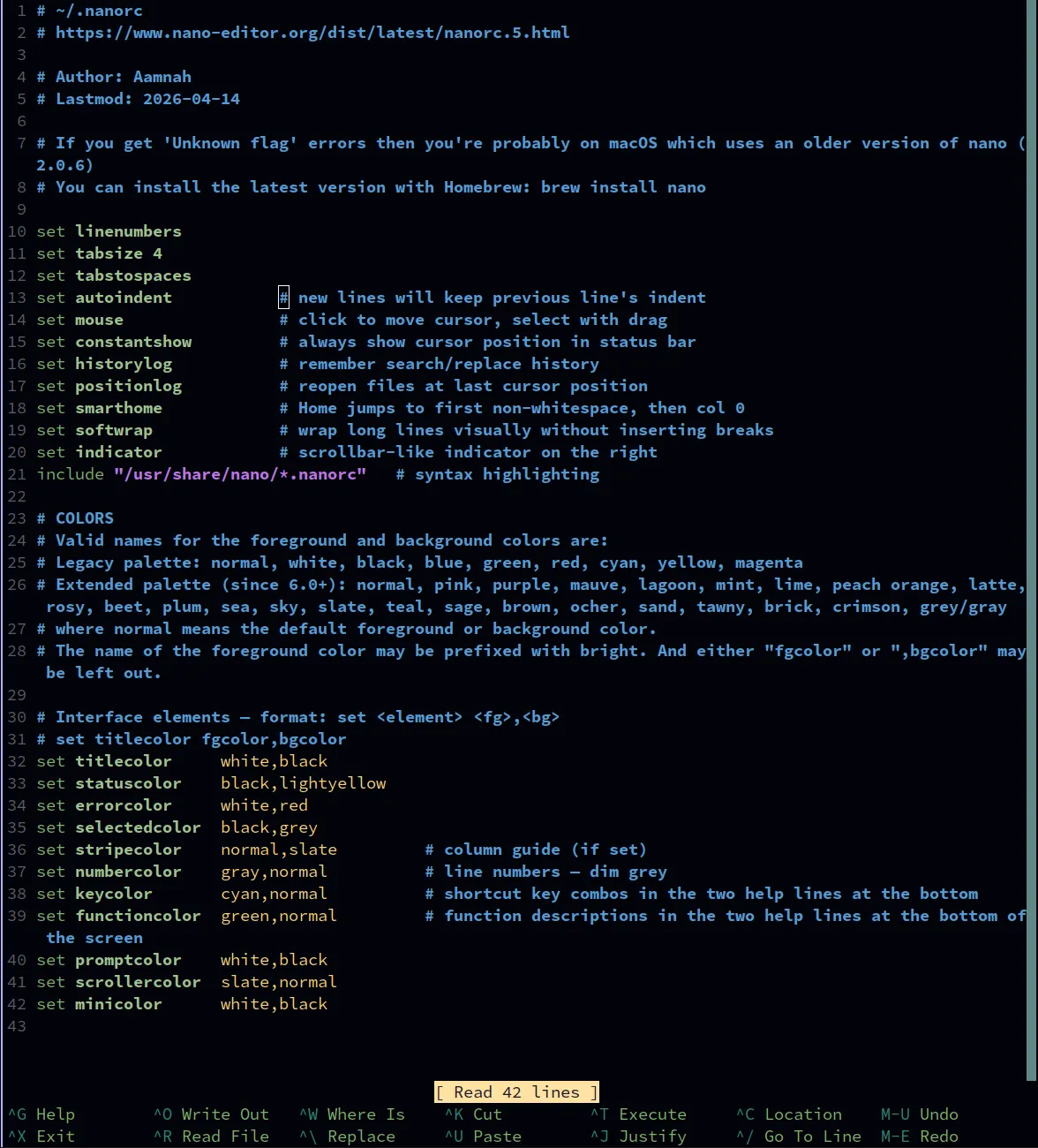 |
Settings
Section titled “Settings”| Setting | Effect |
|---|---|
linenumbers |
line numbers on the left |
tabsize 4 |
Tab inserts a real tab character, shown 4 wide (same as Vim and Neovim) |
autoindent |
new lines keep the previous line’s indent |
mouse |
click to move the cursor, drag to select |
constantshow |
always show the cursor position at the bottom |
historylog |
remember search/replace history |
positionlog |
reopen files where you left off |
smarthome |
Home jumps to the first non-space character, then to column 0 |
softwrap |
long lines wrap on screen without changing the file |
indicator |
a scrollbar-like position marker on the right |
Syntax highlighting
Section titled “Syntax highlighting”include "/usr/share/nano/*.nanorc"loads nano’s built-in highlighting rules. They’re in a different place on each system, so the installer rewrites this line when it copies the file:
| System | Folder |
|---|---|
| Linux | /usr/share/nano |
| macOS, Apple Silicon (Homebrew) | /opt/homebrew/share/nano |
| macOS, Intel (Homebrew) | /usr/local/share/nano |
The repo keeps one file with the Linux path; the installer changes it during the copy, rather than keeping three versions of the file.
Spell check
Section titled “Spell check”sudo apt install aspell aspell-en # Linuxbrew install aspell # macOSIn a file, press Ctrl+T twice: the first opens the “execute” prompt, the second runs the
spell checker (aspell -c).
Colours
Section titled “Colours”The bars (title, status, prompts) use muted brightblack backgrounds. In kitty you can make
text semi-transparent but not backgrounds, so bright bars would stand out in inactive tabs.
Line numbers are dim grey; the help shortcuts at the bottom are cyan and green.
Edge cases
Section titled “Edge cases”- macOS ships nano 2.0.6 (from 2008). It doesn’t understand most of these settings and shows
Unknown flagerrors. Install a current nano:brew install nano. The installer warns about this on macOS. - Colour names like
slateandgreyneed a recent nano (6.0+). Older versions report unknown colours. - The installer doesn’t install nano — only the config.
- YAML doesn’t allow tabs. Vim and Neovim switch to spaces for YAML files automatically;
nano doesn’t, so indent YAML with spaces by hand. (nano can do it per file type with
extendsyntax yaml tabgives " ", but that line errors on start-up wherever nano’s syntax files are missing, so it isn’t in the config.) /usr/share/nano does not existwarning: nano (or its syntax files) isn’t installed. Highlighting won’t load until it is; everything else works.- Installed to
~/.nanorc, not~/.config/nano/nanorc. The repo keeps the file under.config/nano/but installs it to the classic location. nano reads~/.nanorcfirst, so if both exist,~/.config/nano/nanorcis ignored.