kitty
kitty is a fast, GPU-drawn terminal app. The config lives in
~/.config/kitty/kitty.conf.
The installer copies the config but doesn’t install kitty — it’s a desktop app, so on a desktop without kitty you get a warning with the install command. On servers there’s no warning: you use kitty on your own computer and SSH from it.
Font and window
Section titled “Font and window”| Setting | Value |
|---|---|
| Font | Hasklug Nerd Font Mono, 12 pt |
| Window size on open | 120 × 32 characters, every time (remember_window_size no) |
A Nerd Font is a programming font with thousands of extra icons added — prompts and tools use them for symbols like the git branch icon. If the font isn’t installed, kitty silently uses a fallback font and some icons show as boxes.
The installer installs it on desktops. It asks which Nerd Font you want (Hasklug, the default,
is Hasklig with icons added) and, if you pick another one, writes that font’s name into
kitty.conf while copying it. You can also pass --font=FiraCode and so on, or get fonts from
nerdfonts.com.
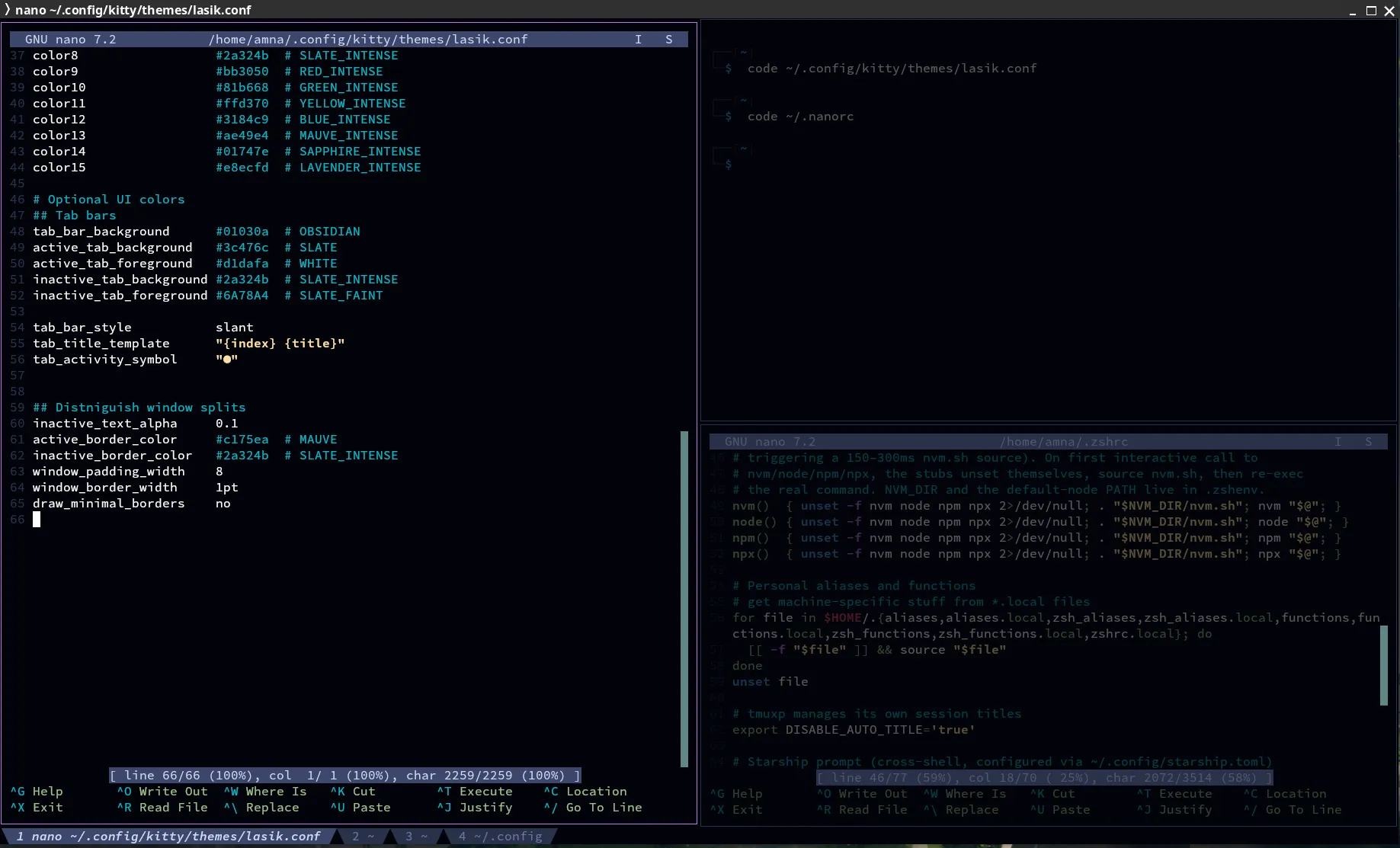
include themes/lasik.confLasik matches the author’s VSCode theme.
A Catppuccin Mocha theme is in the repo too — swap the comment to use it. The installer copies
both theme files to ~/.config/kitty/themes/.
Reload after editing: Ctrl+Shift+F5.
Splits (like tmux)
Section titled “Splits (like tmux)”| Keys | Action |
|---|---|
| Ctrl+Shift+\ | split side by side |
| Ctrl+Shift+- | split top and bottom |
| Ctrl+Shift+H / J / K / L | move to the split left / down / up / right (Vim directions) |
New splits open in the same folder as the current one (--cwd=current).
Layouts enabled: splits (for the splits above), stack (one window full-size) and tall
(one big window plus a column).