Vim
.vimrc is a classic Vim config. The installer copies it to ~/.vimrc, but doesn’t install
Vim itself (sudo apt install vim or brew install vim). For Neovim, see
Neovim.
Colour scheme
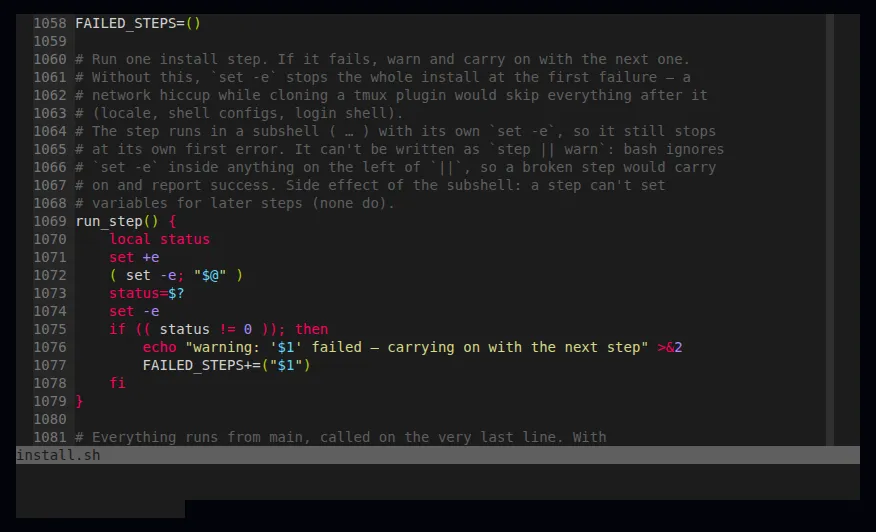
Section titled “Colour scheme”Vim uses Sublime Monokai. It’s
included in the repo (.vim/colors/sublimemonokai.vim, MIT licence) and the installer copies it
to ~/.vim/colors/, so there’s nothing to download.
If you copy only .vimrc to a machine, without the colour scheme file, Vim falls back to the
built-in habamax (Vim 9+) or desert (older Vims) instead of showing an error.
Settings
Section titled “Settings”| Area | Settings |
|---|---|
| Display | line numbers, cursor position, window title, wrapped lines, 2-line command area, status line always on |
| Width | window 120 columns wide, guide line at column 90 |
| Indent | tabs, shown 4 wide; YAML gets 2 spaces (YAML doesn’t allow tabs). Auto and smart indent, follows file type (filetype indent on) |
| Mouse | on (mouse=a) |
| Search | highlight matches, search as you type, ignore case unless you type a capital |
| Folding | fold column on, {{{ }}} markers, everything open when a file loads |
| History | 1000 commands, 1000 undo levels, hidden buffers |
| Encoding | UTF-8 |
| Auto-reload | files changed outside Vim reload when the cursor stops moving |
Edge cases
Section titled “Edge cases”set columns=120resizes the terminal window in some terminals (or does nothing in others). Remove it if Vim fights your window size.set t_Co=256forces 256 colours; on very old terminals colours may look wrong.set number,set rulerandsyntax onappear twice — harmless duplicates.- Same indent in all three editors: Vim, nano and Neovim all indent with tabs, shown 4 wide.