peaclock
peaclock shows a responsive clock in the terminal, nice to show in a terminal or pane of any size. By default it shows a binary clock, but more configs can be added.
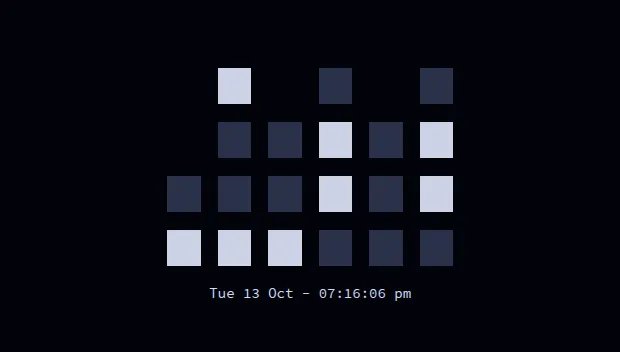
The config, .config/peaclock/config, sets:
| Setting | Value |
|---|---|
| View | binary (switch to digital, ascii, date or icon) |
| Time | 24-hour, with seconds and the date (Tue 13 Oct - 02:30:05 pm) |
| Size | fills the pane, keeping a 2:1 ratio |
| Colours | Lasik: light blocks on dark navy |
| Timer | 40 minutes; sends a desktop notification when done |
The installer copies the config to ~/.config/peaclock/config, but doesn’t install peaclock
itself: it’s built from source, see its README.
Then run:
peaclockThe peaclock alias adds --config-dir ~/.config/peaclock
so it finds this config.
The timer’s notification uses notify-send, so it only works on Linux desktops.